
Familiar Excalidraw canvas
Open, create, edit, and export standard Excalidraw files without giving up the drawing experience you already know.
Excalidraw client for Mac, iPad, and iPhone
Use the Excalidraw canvas in a native Apple app with local file management, history, search, import/export, and iCloud-aware storage. AI, diagram generation, MCP, and math tools are optional extras on top of the core client.


Excalidraw is still the canvas we love. ExcalidrawZ adds the missing app layer around it: native file management, iCloud-aware storage, quick switching, history, search, system sharing, protected drawings, and optional AI workflows.
Product
The foundation is simple: keep the familiar Excalidraw canvas, then add the local and native app features needed for daily work.
Open, create, edit, and export standard Excalidraw files without giving up the drawing experience you already know.
Create groups, browse recent work, open external files, and keep drawings on your device unless you choose iCloud or another system sync path.
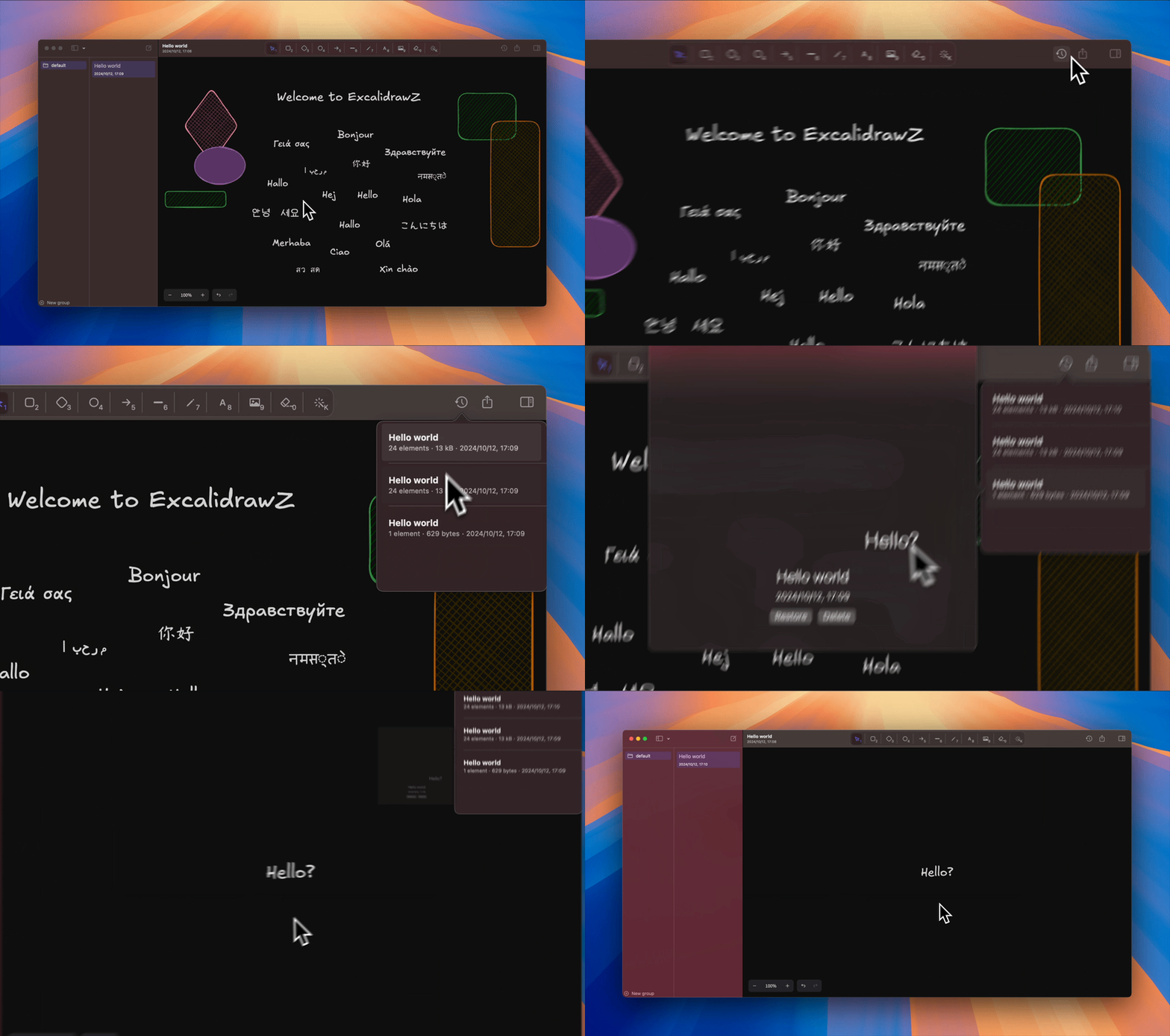
Use file history, canvas search, library browsing, and canvas preferences from a unified inspector that stays close to the editor.
Import PDFs, manage libraries, export images, files, and vector PDFs, and share results through the system share sheet.
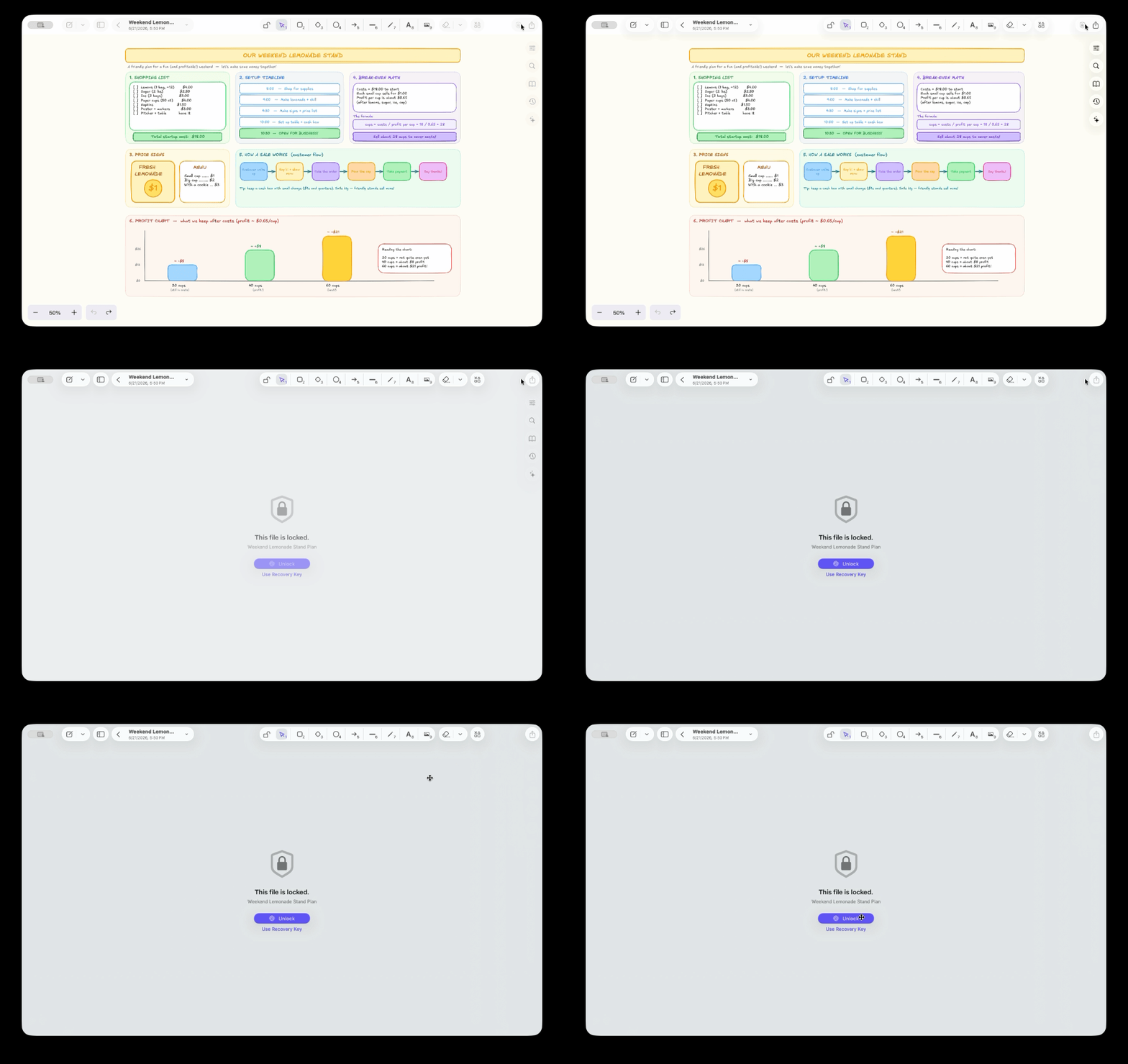
Encrypt sensitive drawings and checkpoints, unlock them with system authentication or a Recovery Key, and keep locked content away from AI.
When you need more than drawing, ask AI for help, connect MCP clients, or create LaTeX formulas and function plots without leaving the client.
Client
Search the canvas, restore from history, import PDFs, browse libraries, customize canvas preferences, and export clean files or vector PDFs without leaving the native app.
Security
Locked files encrypt saved content and checkpoints on disk. They unlock with Touch ID, your Mac password, or a Recovery Key, and AI visibility controls keep protected drawings out of AI requests.
Extras
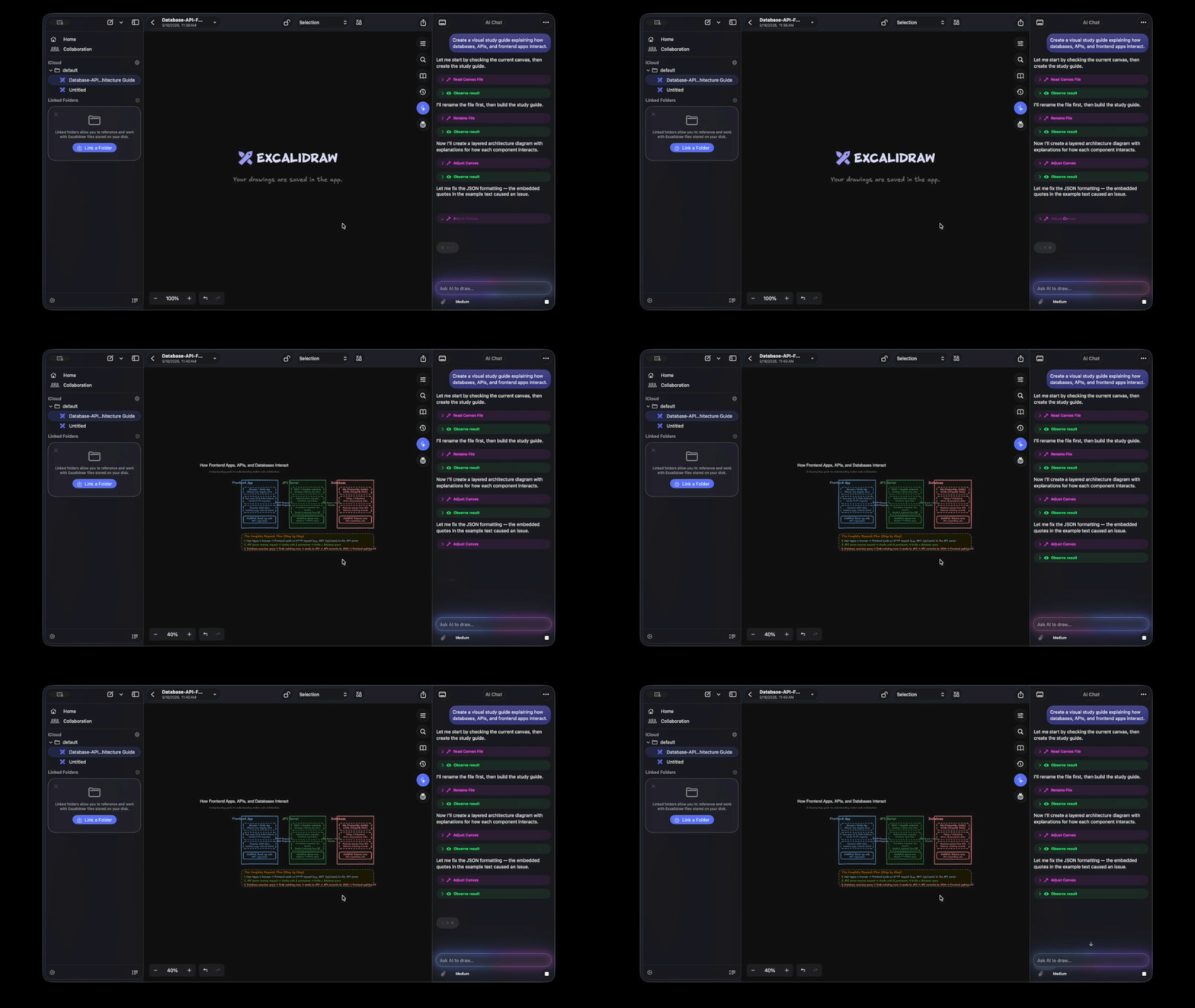
AI Chat can inspect the current canvas, draft changes, generate diagrams, use library items, and work with attached images. Proposal previews make it possible to review generated changes before applying them.
Recent work
The current public release is v2.2.3. The 2.2 line adds MCP, richer math tools, toolbar customization, and compatibility fixes while keeping the base Excalidraw client experience first.
View GitHub releases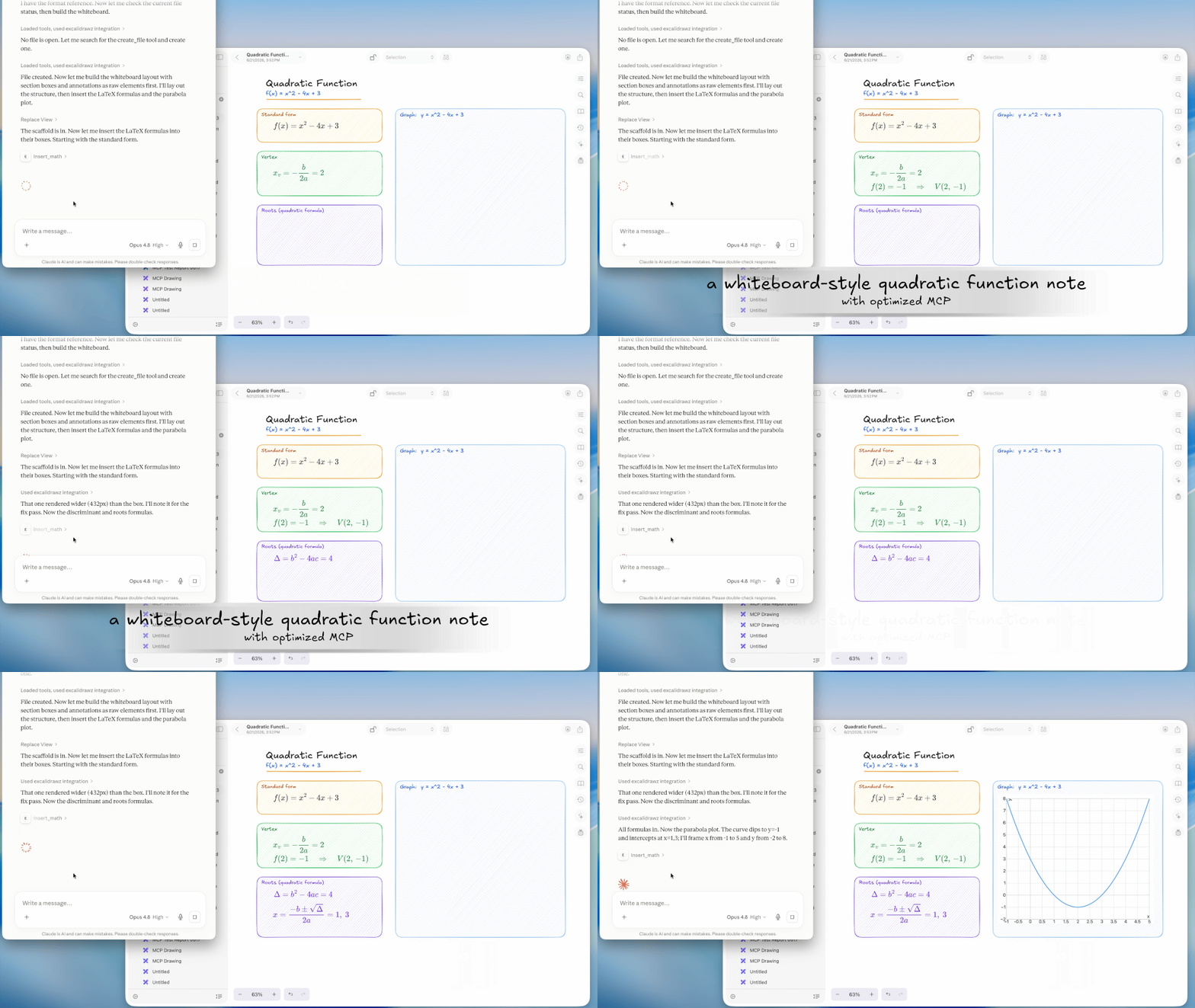
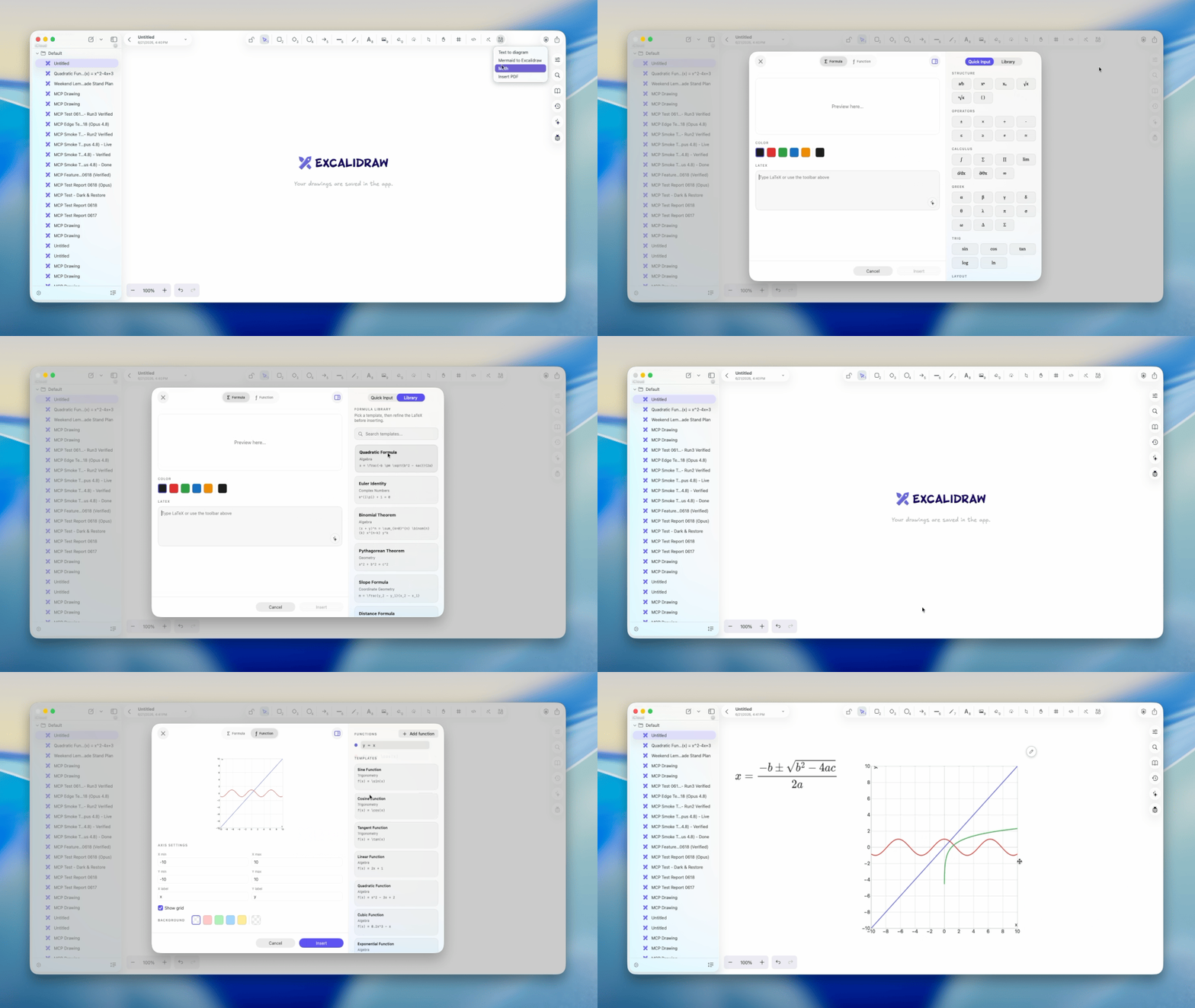
Connect ExcalidrawZ to MCP clients, create LaTeX formulas and function plots with live previews, reorder drawing tools, and use the latest Excalidraw stroke width data safely.
Protect sensitive drawings, keep AI away from locked content, use encrypted backups, and work faster on iPhone and iPad with improved toolbar and pointer behavior.
AI Chat can read and edit canvas content, create diagrams, attach images, revise previous prompts, revert AI-made changes, and show usage through the refreshed AI account and credits system.
Library, History, Search, and Canvas Preferences moved into one switchable inspector with lasso selection, library import, export scale choices, and faster file switching.